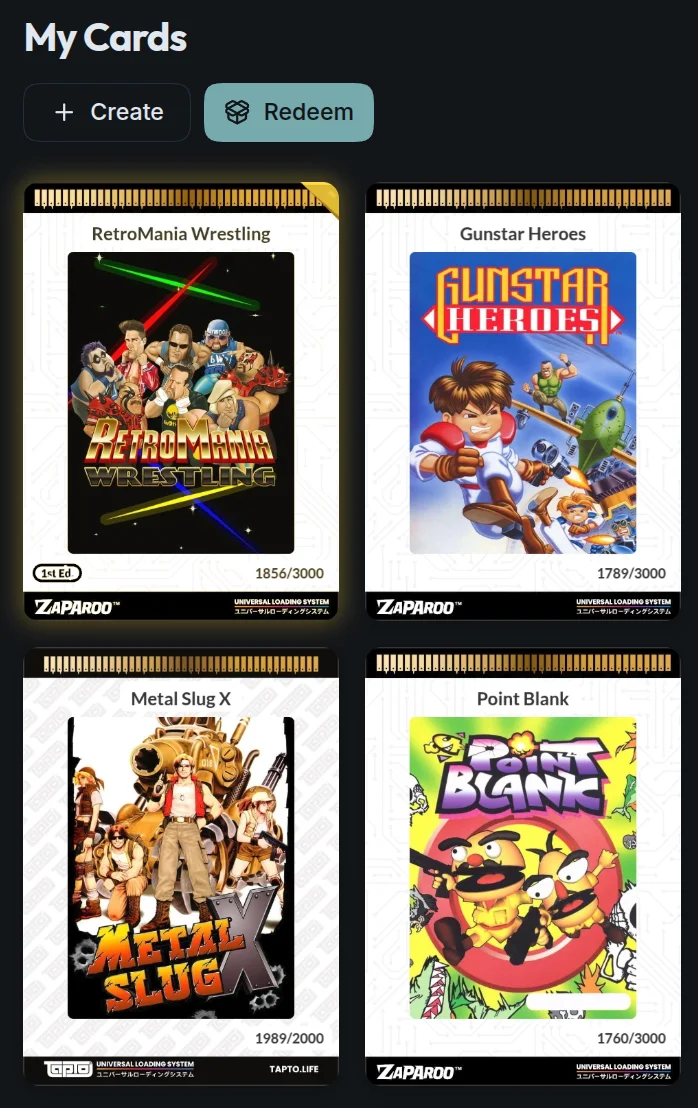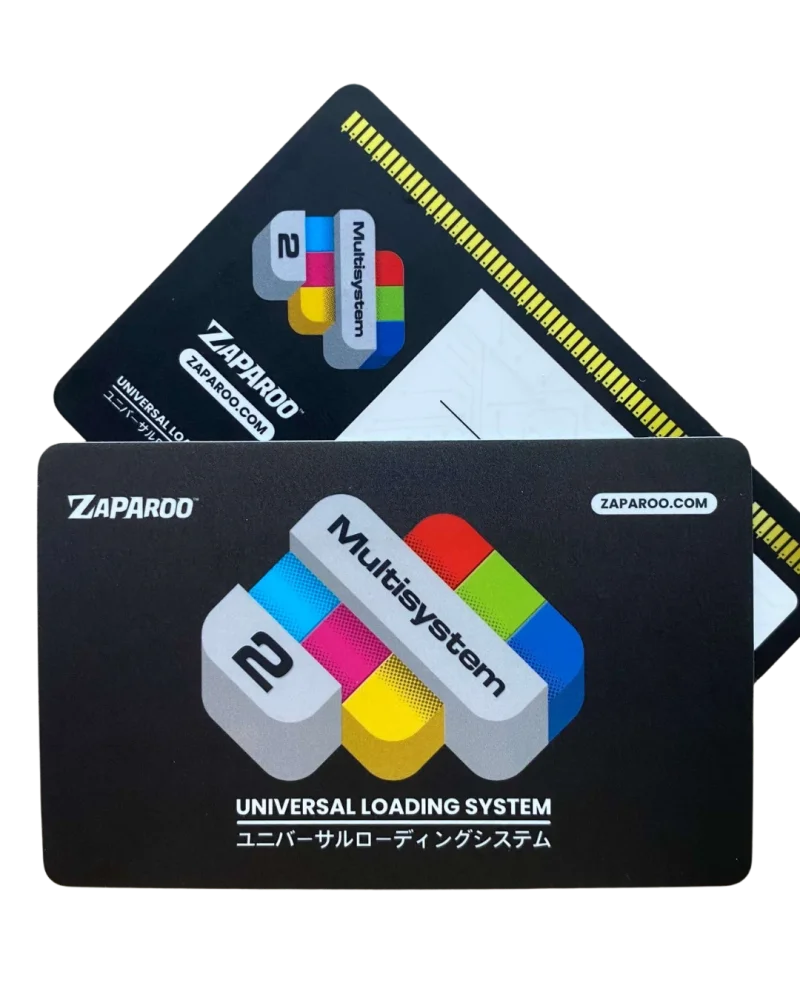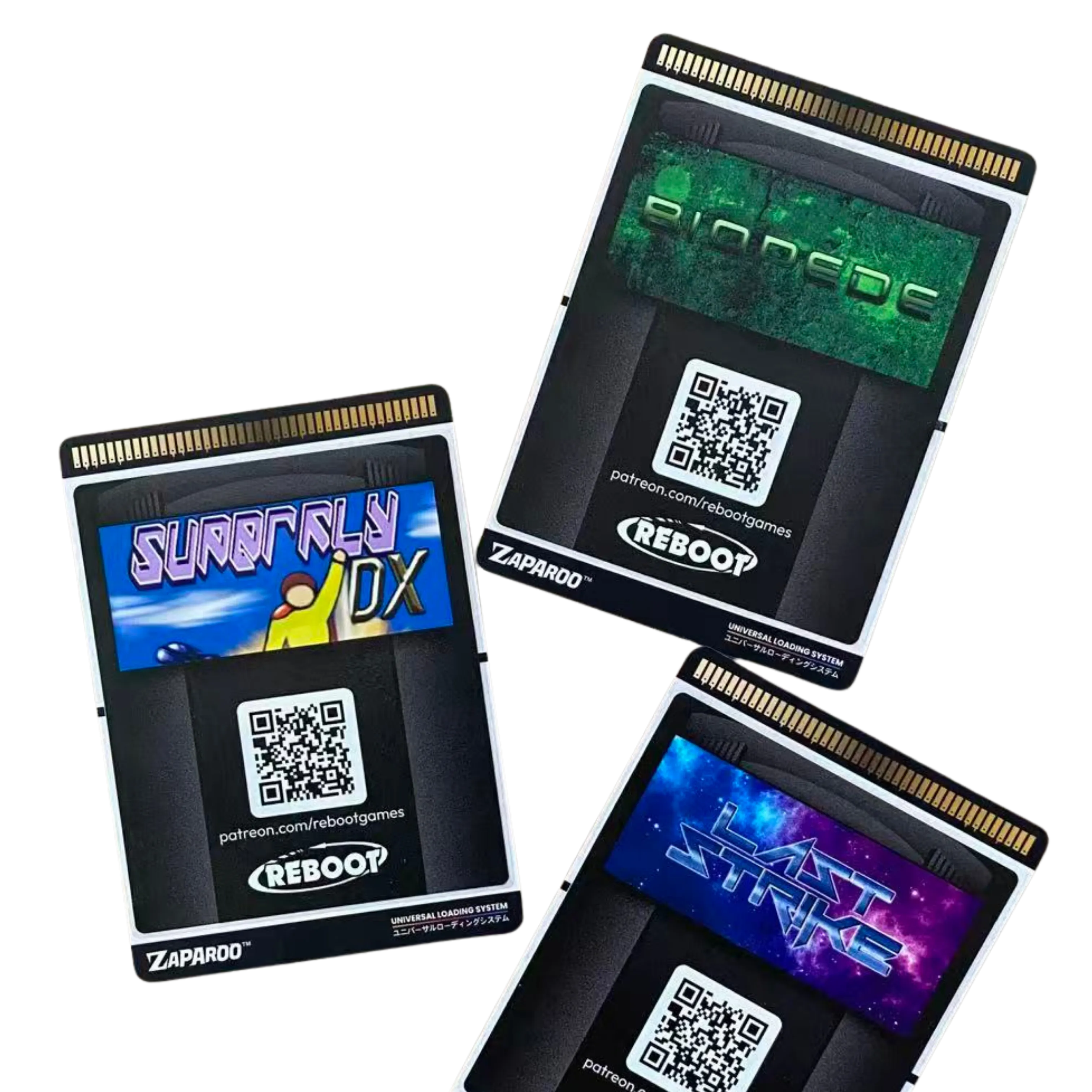
Less scrolling, more playing
Keep favorite games within reach instead of searching through an enormous menu.
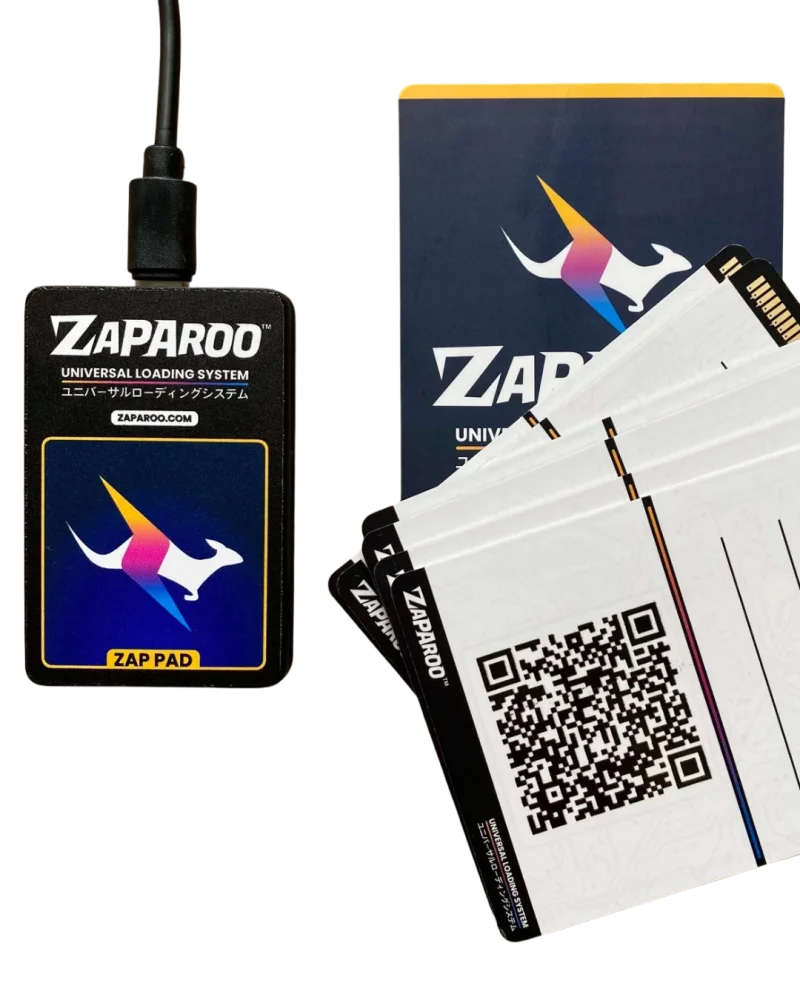
Turn your digital game library into a physical collection. Pick a card, tap it, and start playing. No menus to scroll, no hardware mods.
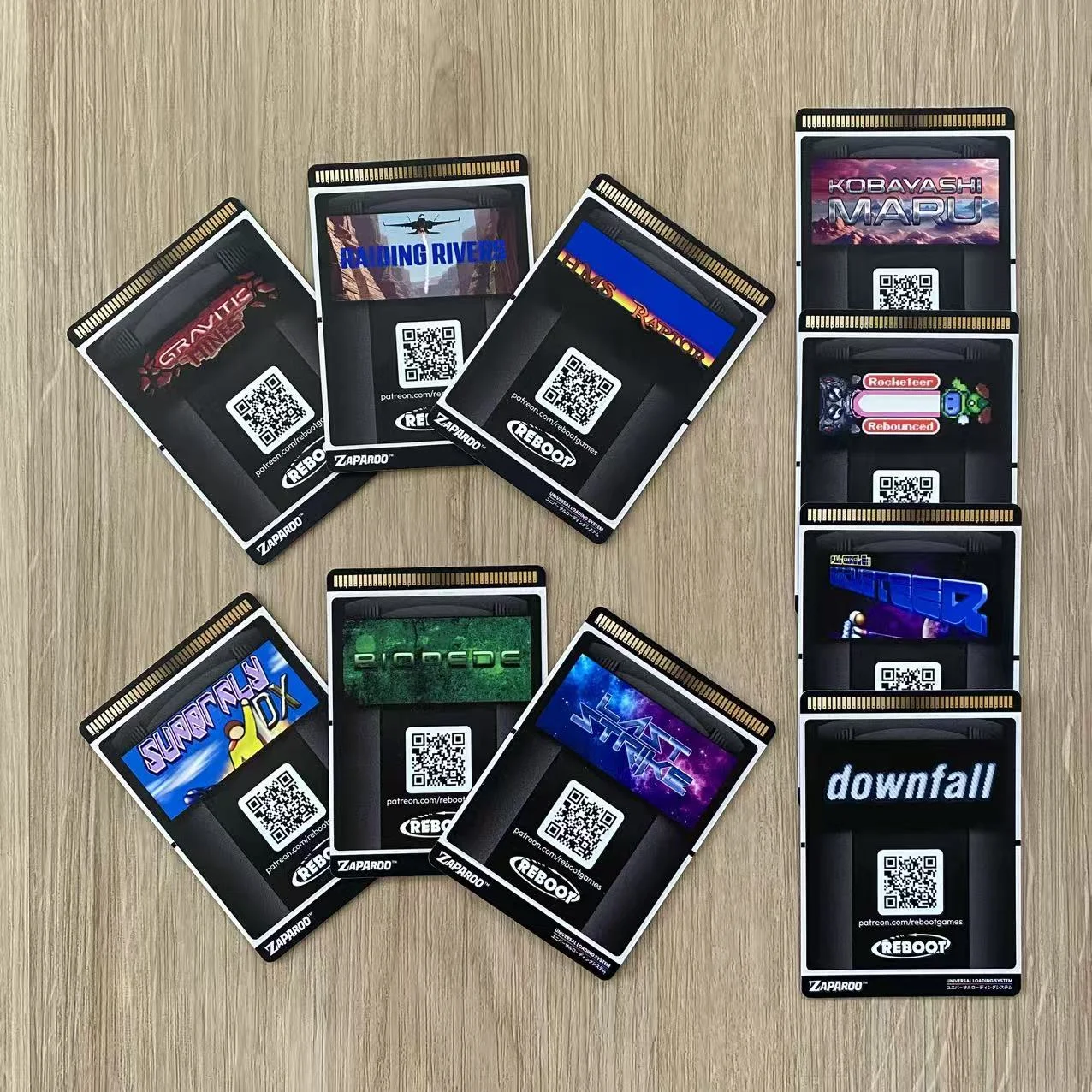
Keep favorite games within reach instead of searching through an enormous menu.
Guests and kids can start a game without learning how your setup works.
Turn digital games into something tactile you can browse, share, and make your own.
Free software for your existing game setup. No hardware mods.
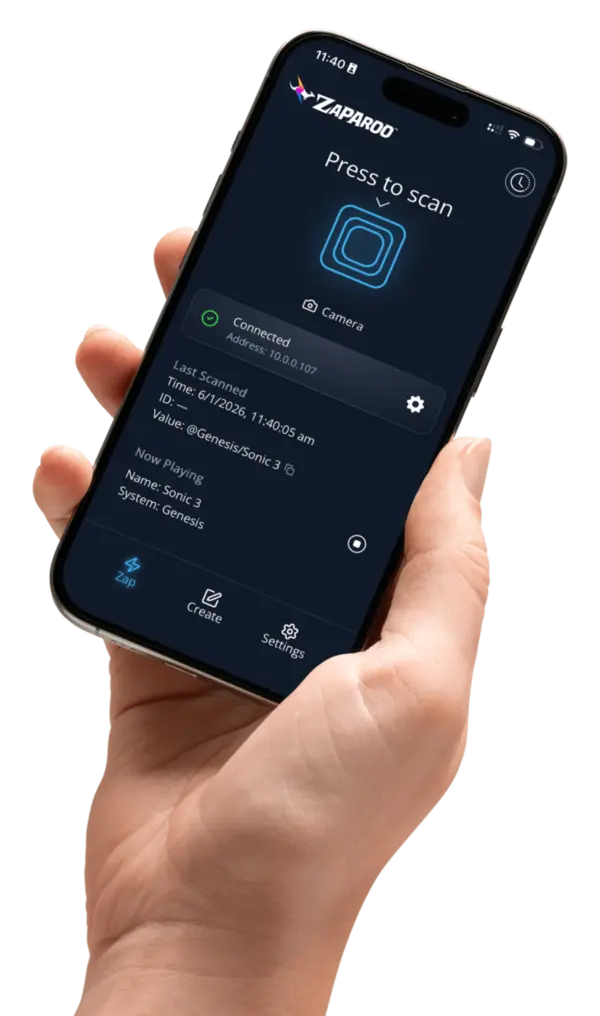
Pick a game in the Zaparoo App and save it to a card. The card is a shortcut, not a copy of the game.
Tap the card on your reader and the game launches.
What you'll need: Free Zaparoo software · NFC reader · NFC cards
Grab a starter kit in the shop, or use your own reader and cards. Check the docs for compatibility, or ask in Discord if you're not sure.
"Particularly brilliant for when I've guests over, no need to explain how the GUI works, just hand them a stack of cards and away they go."
"My kids love finally having a physical object to start games, helps move them off the decision paralysis too."
"Zaparoo is fantastic. Makes my MiSTer much more user friendly for folks who don't want to deal with navigating menus. Love it."
Zaparoo works across popular gaming platforms and lets you launch games from the physical objects you choose.
Check your setupSupported platforms
Windows, Linux, SteamOS, and Bazzite support is in beta.
Launch with
Zaparoo Warp
Warp backs up your saves, save states, settings, and Zaparoo data from MiSTer and SteamOS off-site, automatically, and restores them to the same device or a replacement. Zaparoo App Pro included.
Available now on MiSTer and SteamOS. More platforms planned soon.
US$29.99 / year or US$3.99 / month
See Warp plansAdd tap-to-launch to your hardware, platform, or game with Zaparoo's open-source platform and partner services.
Official partners